Connect your recorder cable
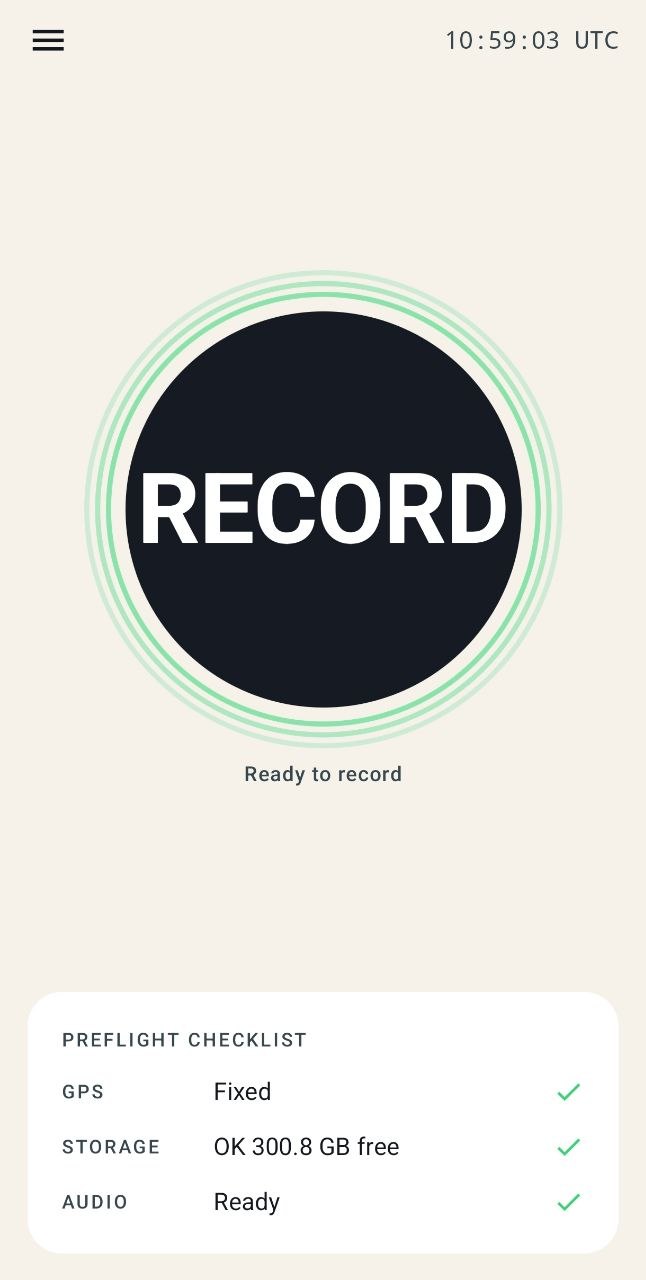
Plug a passive aviation headset recorder cable into your Android phone. ATC Log checks GPS, storage and audio before you start.
Flight gear and software for general aviation
Android beta • Built for general aviation
Connect your headset recorder cable. ATC Log records pilot ↔ ATC audio, builds a live transcript fully offline, and pulls out frequencies, QNH, runways, weather and more as they are spoken.
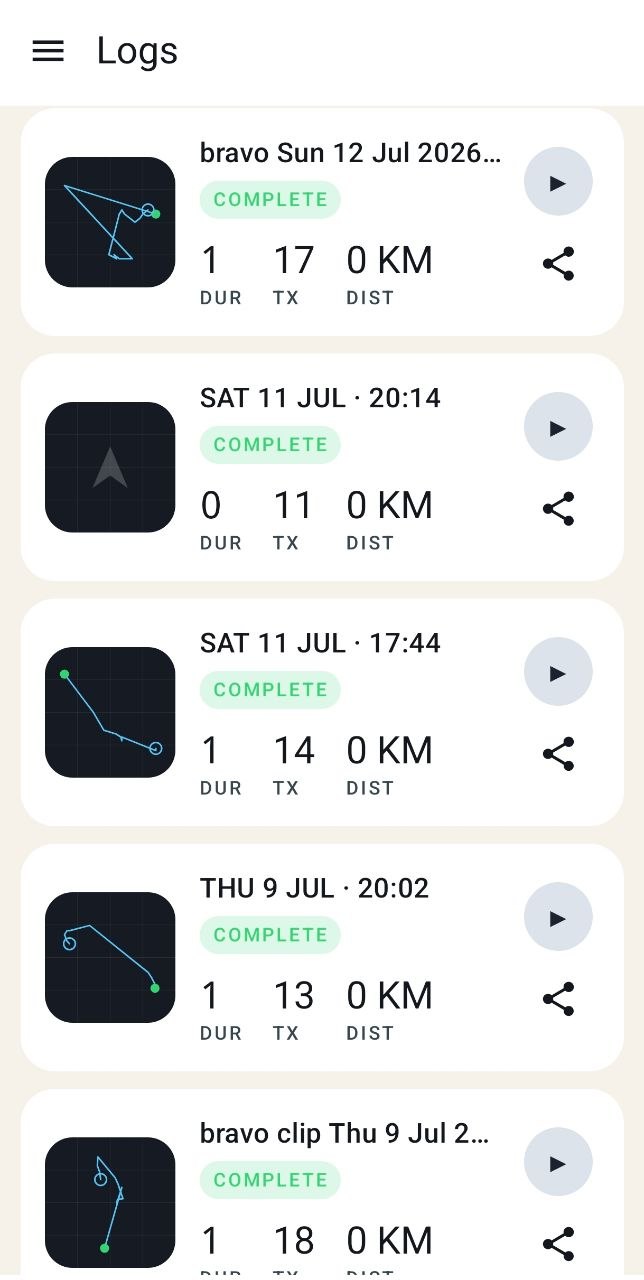
After landing, replay every call on your GPS track—or export the audio, subtitles and sync files for your edit.
Live transcript and extracted details are for reference only. Always listen to ATC and use official flight information.
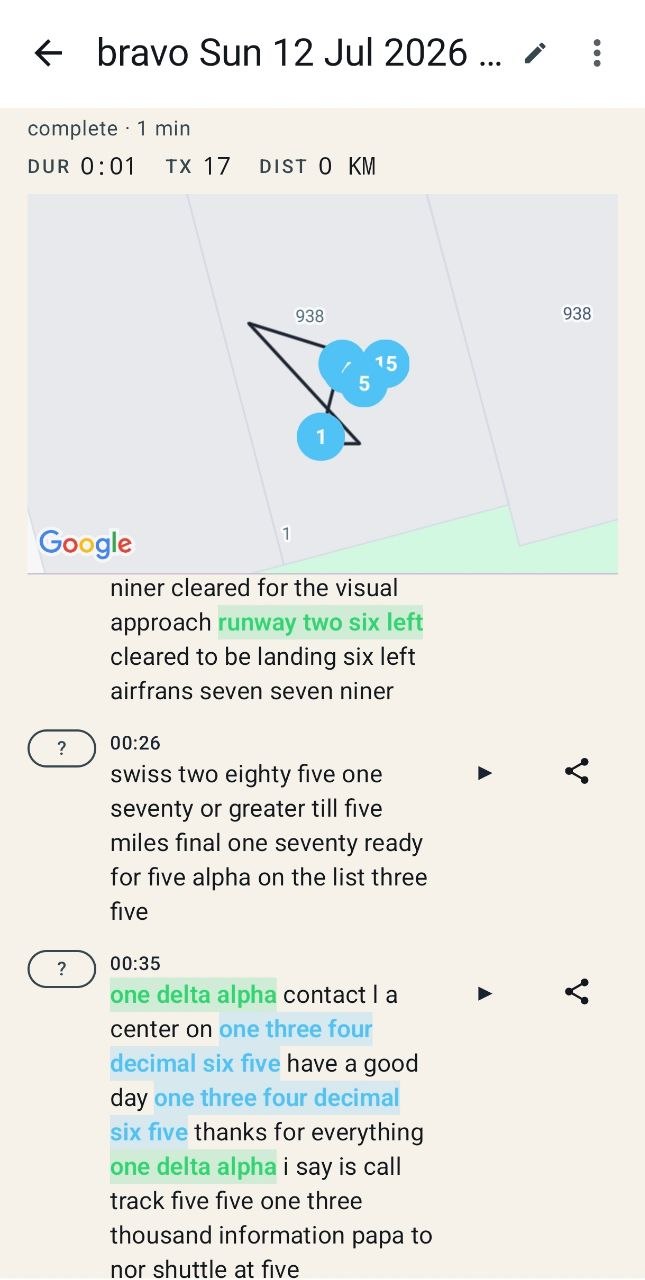
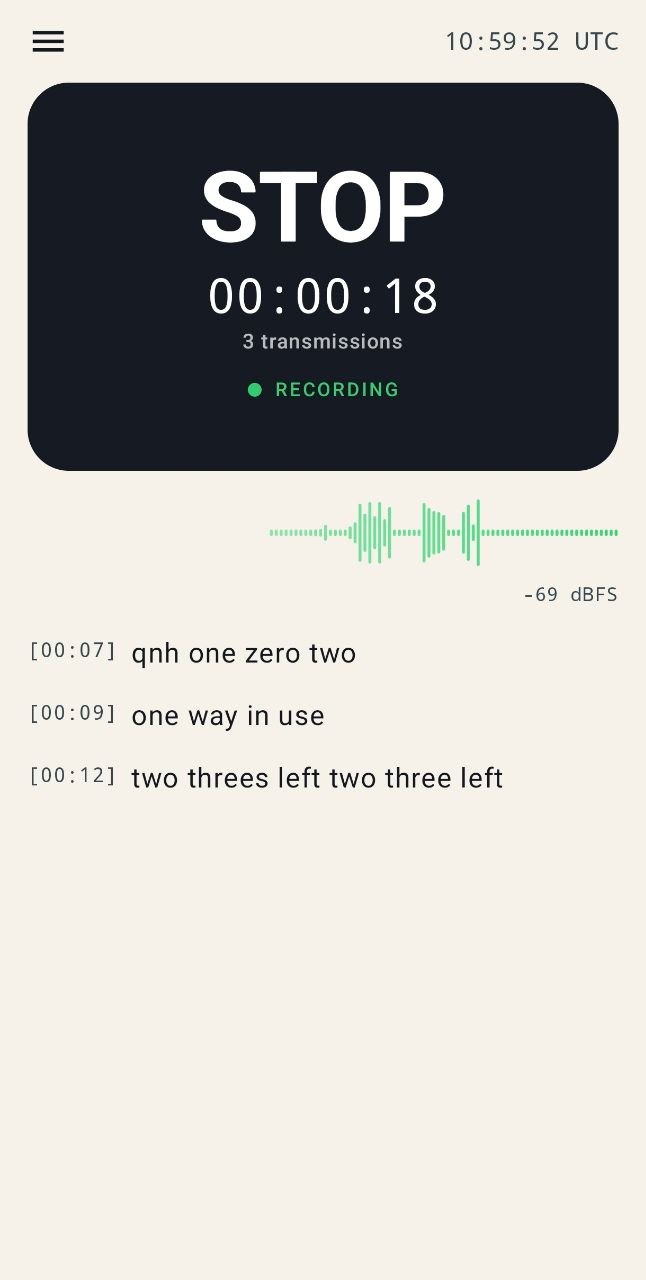
Frequency · QNH · runway · weather · squawk · altitude
A new member of the Dream Pilot family
Hardware on your knee. Software in your pocket.Discover Dream Pilot flight gear ↗One cable. One tap. The whole flight.
ATC Log turns the audio already passing through your aviation headset into something you can see during the flight and properly study after it.
Plug a passive aviation headset recorder cable into your Android phone. ATC Log checks GPS, storage and audio before you start.
During the flight, see a fully offline transcript and quickly spot spoken frequencies, QNH, runways, weather, squawk codes, headings and altitudes.
After landing, each transmission is pinned to your GPS track. Tap to hear the original audio or export the files you need.
Any compatible cable feeding cockpit audio into your phone
Built for the cockpit, not the cloud
The ATC-focused speech model runs entirely on your phone. As radio calls arrive, ATC Log creates text and color-highlights useful details—without waiting for a connection.
Keep flying first. The live display is a reference and recording aid—not a clearance source, official record or replacement for listening to ATC.
For GA pilots and students
Review the calls that moved quickly in the cockpit. See where each one happened, read the transcript and replay the real audio until the exchange makes sense.
Revisit clearances, handoffs, readbacks and the moments you want to discuss with your instructor.
Transmission markers make it easy to understand when and where a radio exchange happened.
Fully offline transcription can be remarkably useful, but ATC audio is hard. The original recording is always one tap away.
For aviation creators
Stop scrubbing through one long cockpit recording to find a single radio call. ATC Log separates, transcribes and time-maps the audio while you fly.
Export a whole flight or one transmission with subtitles burned into the map video.
Drop subtitles, isolated WAV clips and the sync manifest into Premiere Pro, DaVinci Resolve or Filmora.
Private by design
Closed Android beta
We're looking for GA pilots and aviation creators who will give the app one real flight and about 15 minutes of honest feedback afterward.
Beta access is free. We won't promise that every future feature will be.
Pilot questions
ATC Log is designed for compatible passive aviation headset recorder cables that feed cockpit audio into your phone's headset input. If your phone has no audio jack, you'll also need a compatible USB-C headset adapter.
No. Recording, transcription and extraction run fully offline on the Android phone. That is central to how the app is designed.
No. Use it only as a reference and recording aid. Always listen to ATC, confirm instructions over the radio and use official flight information. The transcript is not an official record.
It is built specifically for ATC radio and optimized first for US English phraseology, but difficult audio, accents and interference can still produce mistakes. The original audio is always available for replay.
The current beta is Android only and requires Android 12 or newer. We are not announcing an iOS release date.